 secretGeek.net
VS2005 Tip: Which file am I working on?
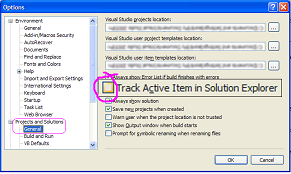
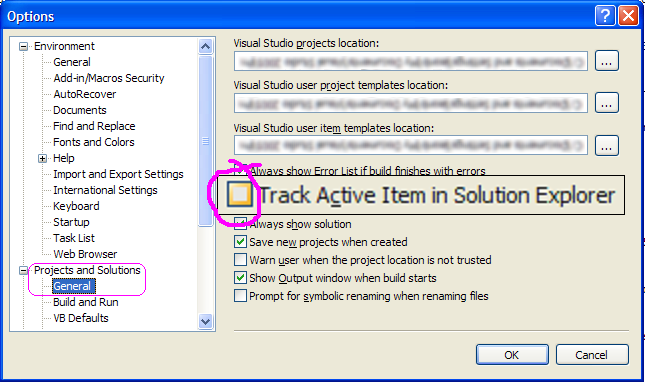
I have it on good authority that the option "Track Active Item in Solution Explorer" is OFF by default in Visual Studio 2005.
(It was on for me... but my build is... kind a weird)
In this case, you won't know which exact file you're working on: only its name. This is a huge pain if you've got multiple projects that each contain files with the same name (e.g. "Web.config")
So if this is a problem for you... head into Tools | Options | "Projects and Solutions" | General and check the check box for "Track Active Item in Solution Explorer"
Good night!
(oh here's why it's sometimes on, sometimes off: "By default, the C# profile has this disabled, while the Web profile has this on" -- thanks to Scott Guthrie)
Next → ← PreviousMy book "Choose Your First Product" is available now.
It gives you 4 easy steps to find and validate a humble product idea.