 secretGeek.net
My First WPF Application - A visual tour


With facebook out of the way, I can get on with more serious geeky pursuits, such as tinkering with WPF.
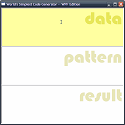
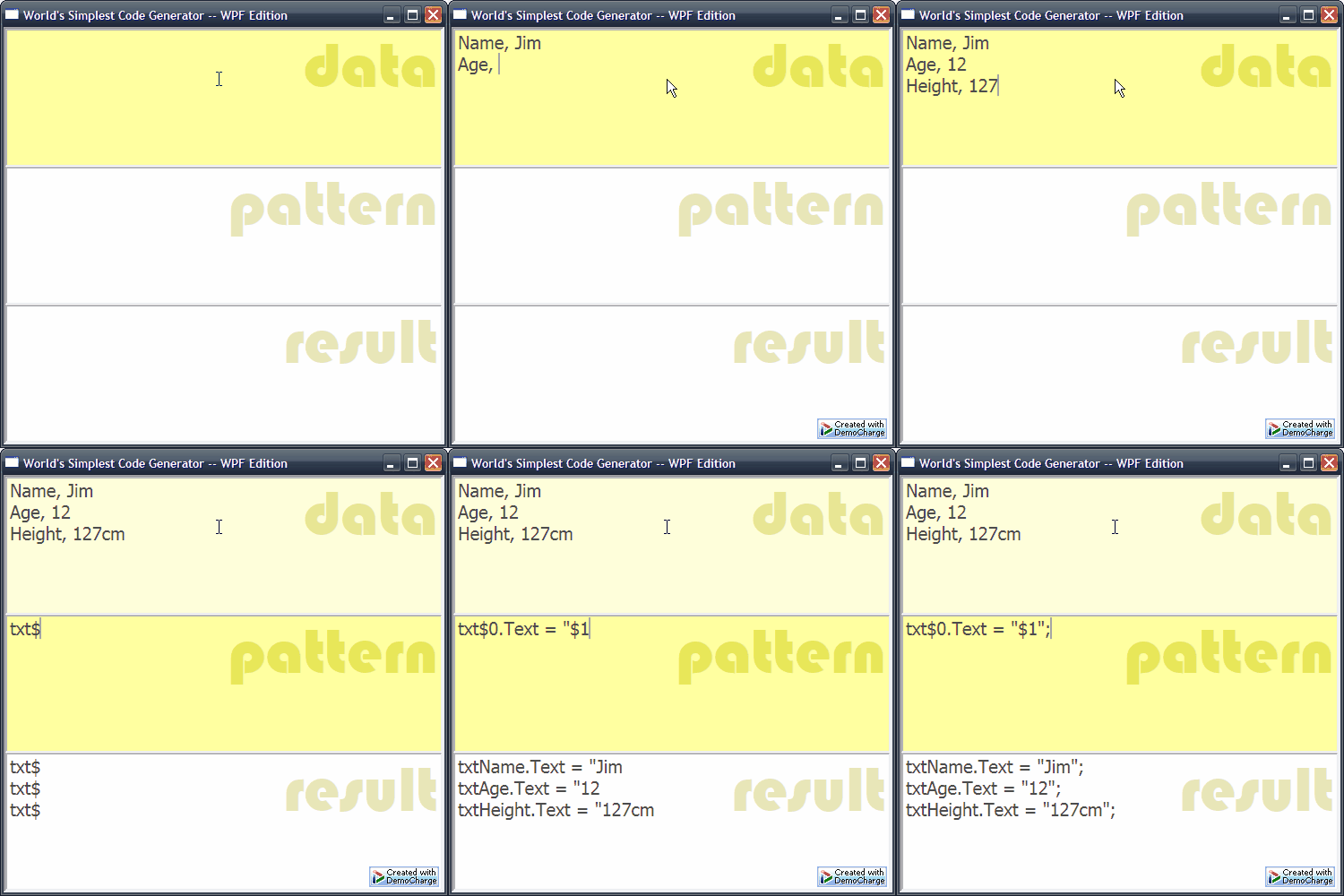
I've just written what amounts to my first WPF application -- naturally it's another implementation of the world's simplest code generator.
So, come along on a visual tour of thinking and building with WPF.
Here's some things I learnt along the way:
1. Don't 'Click here'
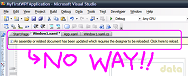
When the WPF designer says:
'An assembly or related document has been updated which requires the designer to be reloaded. Click here to reload.'

Don't Trust them!
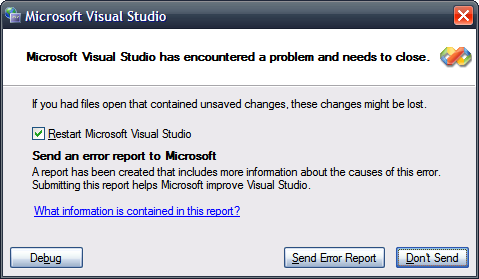
Clicking there, will cause VS2008 to crash. Instead, save your changes, close the designer (not Visual Studio -- just close the open window with the warning message) then reopen it.
(This is a beta after all, and i expect this problem to be gone in the next release. I remember that VS2005 used to have similar issues in the winforms designer.)
I remember Joseph Cooney giving that exact piece of advice at Tech-Ed. Joe also pointed out how consistent the crashing is, and how quickly VS2008 restarts -- allowing for a much faster, "code -- crash -- restart" cycle than in previous betas. ;-)
I wanted some simple XAML to create a three pane look... I struggled for a while with a dockpanel, thinking I could dock three of those panels inside another container... ofcourse I had it all backtofront: the idea of a dockpanel is that the things inside it are docked. Intuition is a poor guide.
When I got the dockpanel acting its best, I found it wasn't what I wanted at all: I wanted the three textbox to each take one third of the space.
Turned out the right control to use was the grid. Now I've often heard people say "there's no grid in WPF" -- which seems wrong as there is clearly a grid control. Well I understand the tension now:
Basically there's no datagrid or gridview like control. the 'Grid' control has a fixed number of rows and columns -- unlike a datagrid which will emit as many rows and columns as it's datasource requires.
<Window x:Class="MyFirstWPFApplication.Window1"

  xmlns="http://schemas.microsoft.com/winfx/2006/xaml/presentation"

  xmlns:x="http://schemas.microsoft.com/winfx/2006/xaml"

  Title="World's Simplest Code Generator -- WPF Edition" Height="500" Width="500"

     BorderThickness="0" WindowStyle="ThreeDBorderWindow">

  <Grid>

    <Grid.RowDefinitions>

      <RowDefinition Height="1*" x:Name="Row1" />

      <RowDefinition Height="1*" x:Name="Row2" />

      <RowDefinition Height="1*" x:Name="Row3" />

    </Grid.RowDefinitions>

    <Label Content="data" Grid.Row="0" Margin="96.125,-17,0,8" />

    <Label Content="pattern" Grid.Row="1" Margin="32,-17,0,8" />

    <Label Content="result" Grid.Row="2" Margin="32,-17,0,8" />

    <TextBox Grid.Row="0" x:Name="txtData" TextChanged="Generate" />

    <TextBox Grid.Row="1" x:Name="txtPattern" TextChanged="Generate" />

    <TextBox Grid.Row="2" x:Name="txtOutput" />

  </Grid>

</Window>
Intellisense in XAML is a devastating thing. There are eight million options to choose from. I almost wish clippy was there to guide me through it all -- or intelliSEARCH
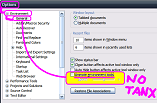
At first the intellisense was very 'flickery' -- i realised this was the CPU struggling to fade the intellisense in and out. So, as in previous versions of VS, I turned off the animation of screen elements:
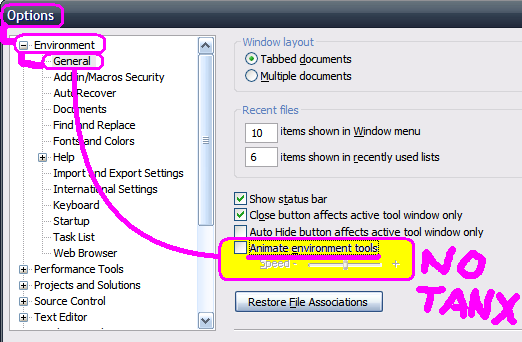
Also -- the intellisense just isn't that intelligent! It shows you all sorts of inappropriate options, furthering the information overload.
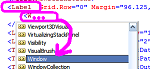
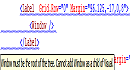
For example -- here I am adding content to a Label. Notice that it suggests putting a Window element in there...
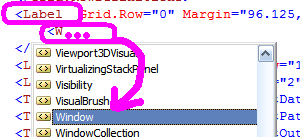
So let's go right ahead and put that Window element in...

Bad! Window, as it turns out, isn't allowed in that location (it must be the root element). I think the intellisense could've realised this in advance, via some XSD file perhaps. Just seems wrong.
Integration with Blend...
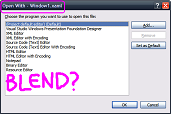
I had this idea that you could right-click a XAML file (in solution explorer) and choose to "Open with..." Expression Blend.
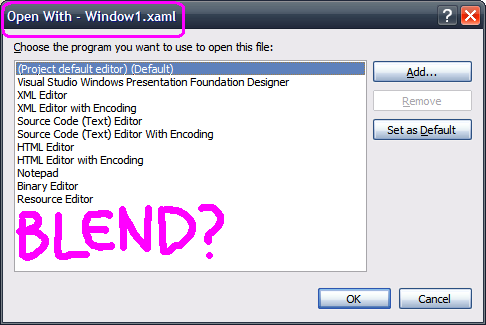
It's not as simple as that.
I went and added Blend into the "Open with..." list for XAML files -- but this was all wrong. Blend really needs a project file, not just a XAML file in isolation. (Or not this kind of XAML file, with it's Window root element.)
Anyway -- I loaded Blend normally and opened the same project. This worked fairly well. And if I modified the XAML file in one application, I would be prompted to re-load in the other -- which is the behaviour I expected. Very good.
Blend lacks intellisense in the XAML editor. This is a very deliberate choice, as I understand it. They don't want designers f***ing with XAML. They want designers drawing pretty pictures. Fair enough.
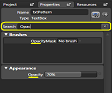
From my non-designer point of view, my favourite little usability-gem in Blend is the 'property search' box. I wish they had this in Visual Studio!
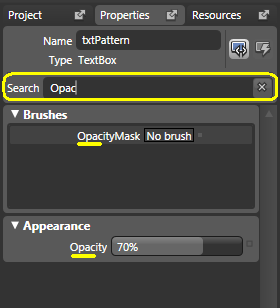
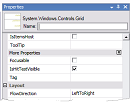
The property editor in VS2008's XAML designer is a poor cousin, even compared to ASP.net property designer. Here's what you get in VS2008 XAML designer:
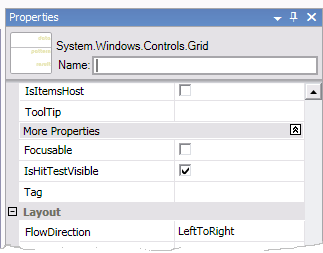
It doesn't have that useful 'Events' tab, that you find in the ASP.net and winforms designer (when using C#... it is sadly absent everywhere when using Visual Basic). This is a shame, because I found it a little harder to guess how to wire up an event.
Also, the properties are 'grouped' under fairly haphazard headings. You can't turn the grouping off. (Can you?)
I do like the fact that elements don't have to be named. There is something a little redundant about the way every label in a windows form (for example) had to have a name -- even if it is never referred to in code. It was a little reminiscent of this 20 year old Far-Side cartoon (made famous in geek circles by the Yeggemeister)

What I really wanted to write about was the way styles work, and to try and get some understanding around event bubbling and tunneling. But we'll have to save that for another day.
Sidenote, regarding WSCG behaviour
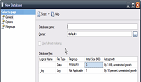
As luck would have it, I was creating a new database in SQL Server 2005 this morning, and I noticed a different app that behaved similarly to WSCG. Watch what happens as the name is specified for a new database.
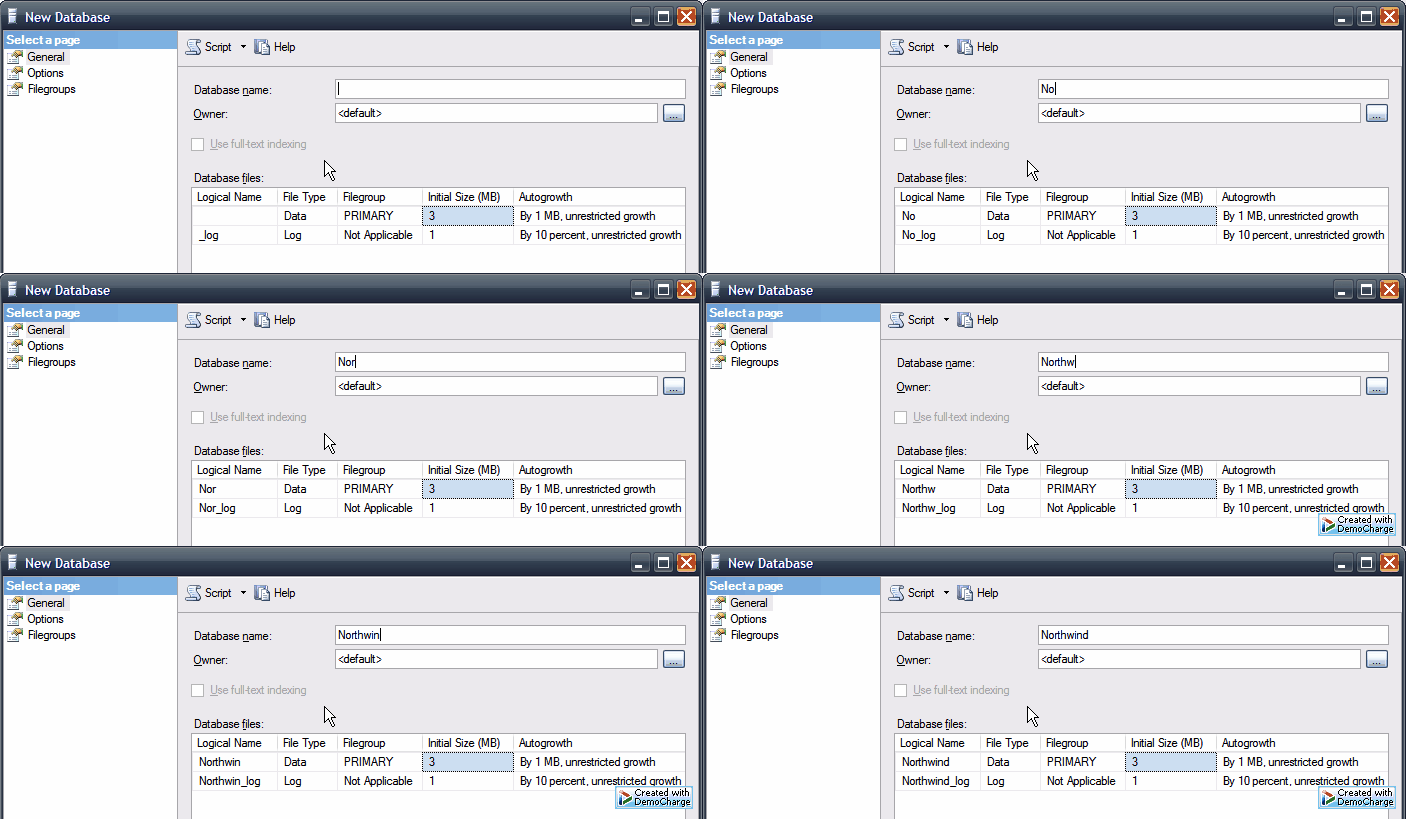
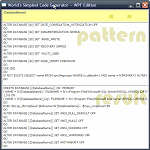
By back-porting the generated script, we can use WSCG in place of SQL Server Management Studio:
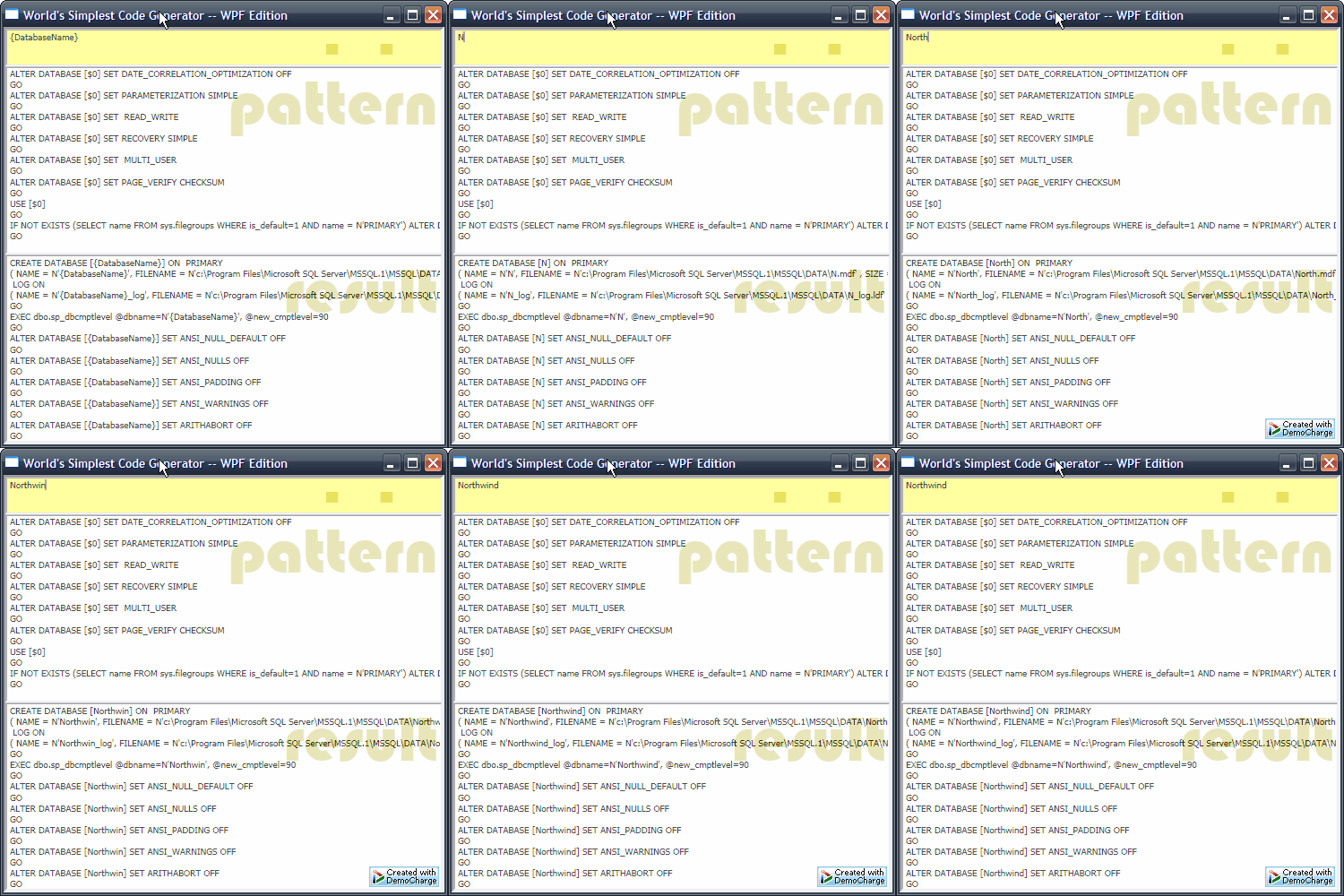
So clearly a day is coming when WSCG will replace all dev tools. Right.
In other news: I look forward to the year 2010. A new millennium for dyslexics.
Next → ← PreviousMy book "Choose Your First Product" is available now.
It gives you 4 easy steps to find and validate a humble product idea.